Installation Oracle database 11204 for OAM-OID on linux 6.4
ORACLE 11G DATABASE SOFTWARE
11.2.0.4 Database Software from OTN
https://updates.oracle.com/Orion/AdvancedSearch/process_form?search_style=9&language=0&patch_type=patchset&incl_prod=&incl_prod_checked=yes&release=80112040&plat_lang=226P&product=9480#query_link
- Prepare Steps
- Edit the “hosts” file of oim.premier.com
- Edit the “sysctl.conf” of oim.premier.com with the following values
- Edit the “limits.conf” file of oim.premier.com with the following values
- Create directories and grant permissions
- copy the software from shared location to /soft mountpoint
- create environment file
- Install missing packages
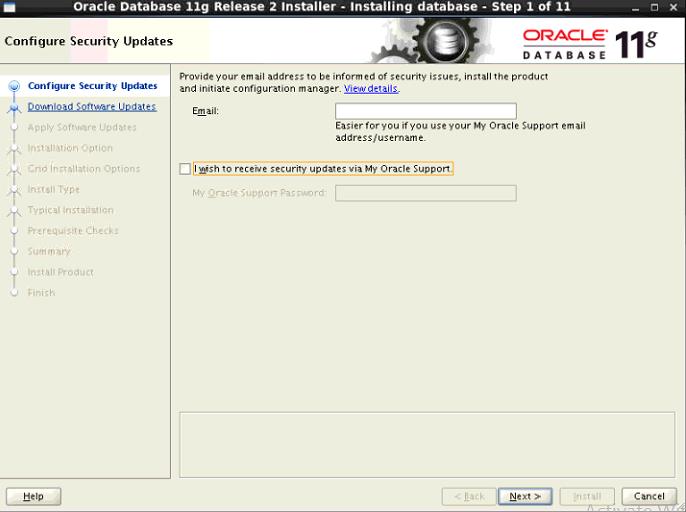
- Oracle database 11204 Installation
- run vncserver on the Guest machine
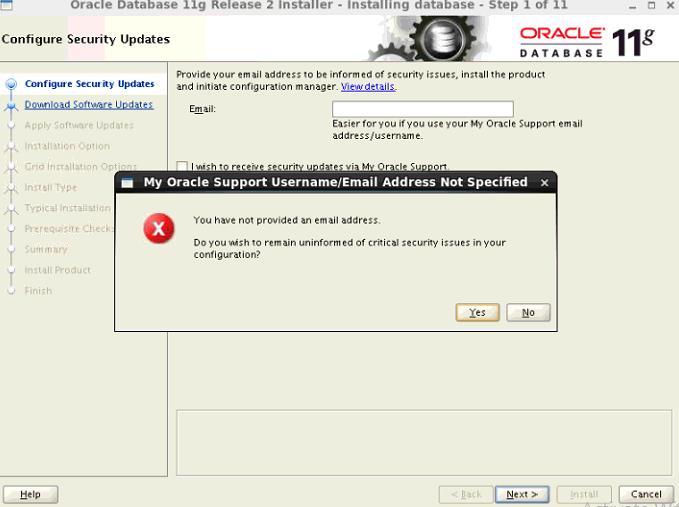
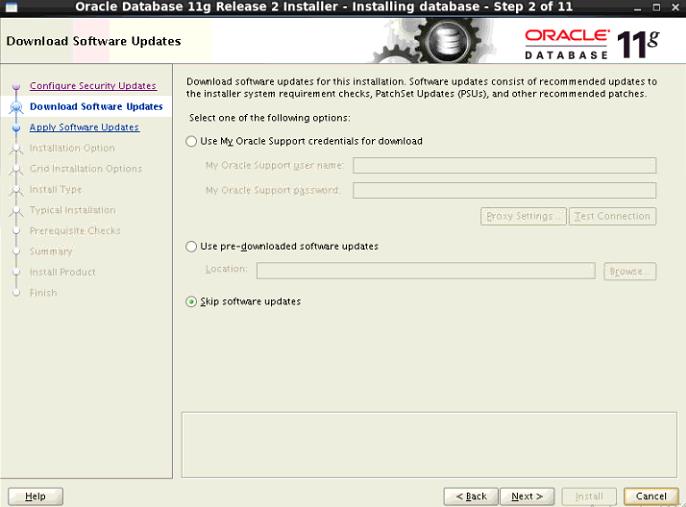
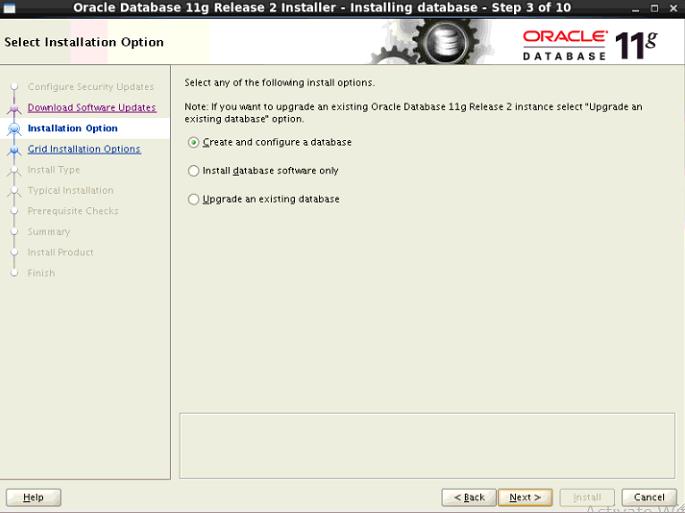
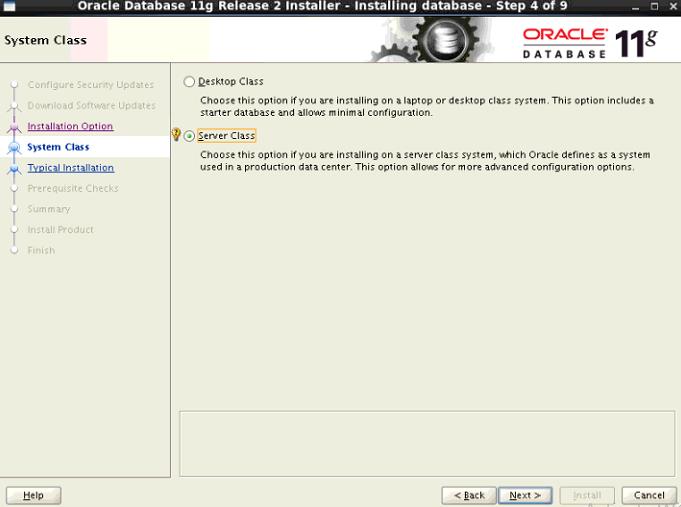
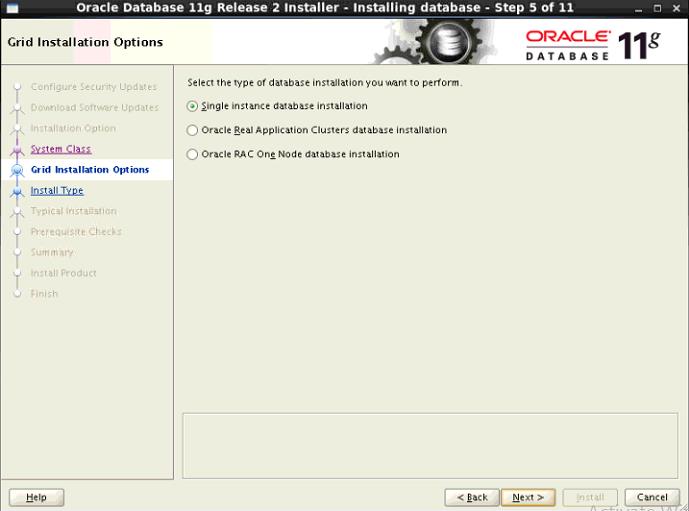
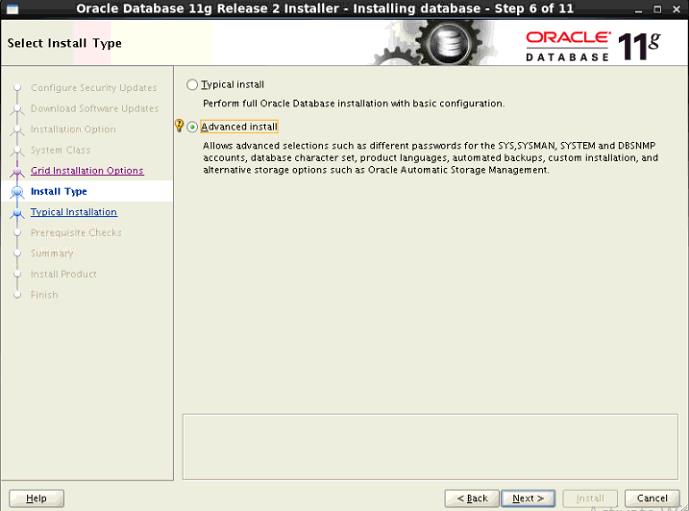
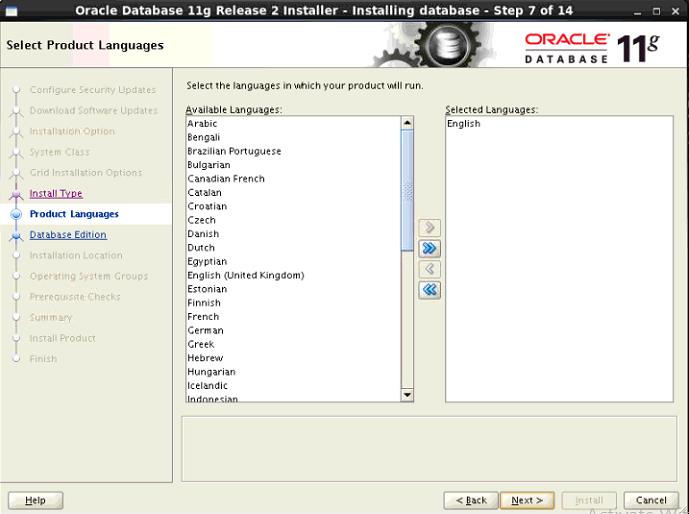
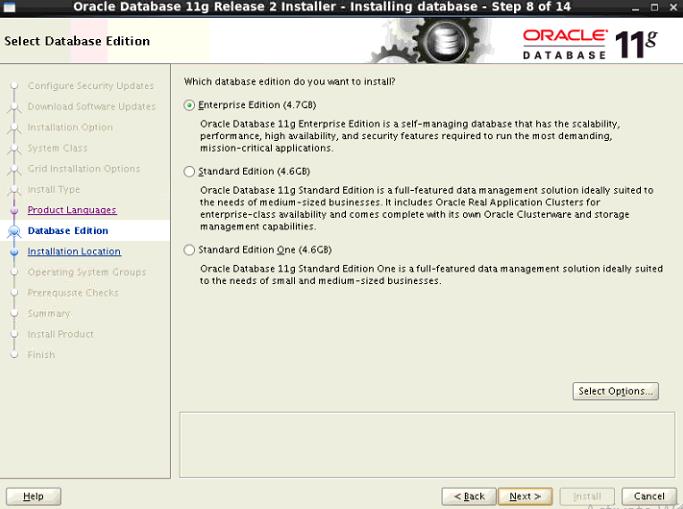
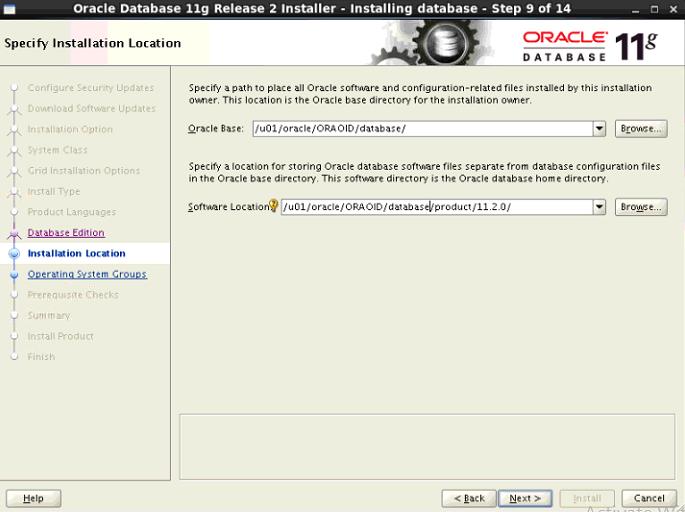
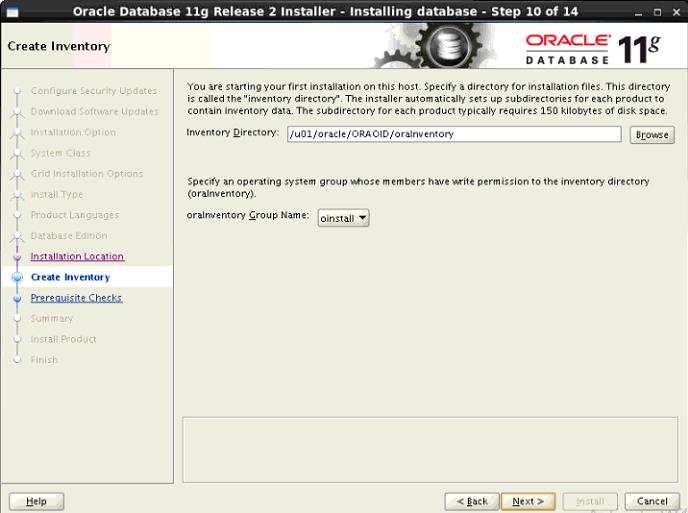
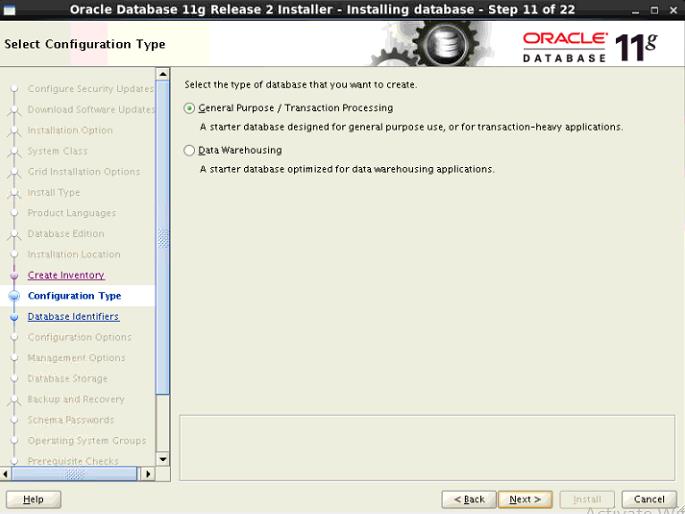
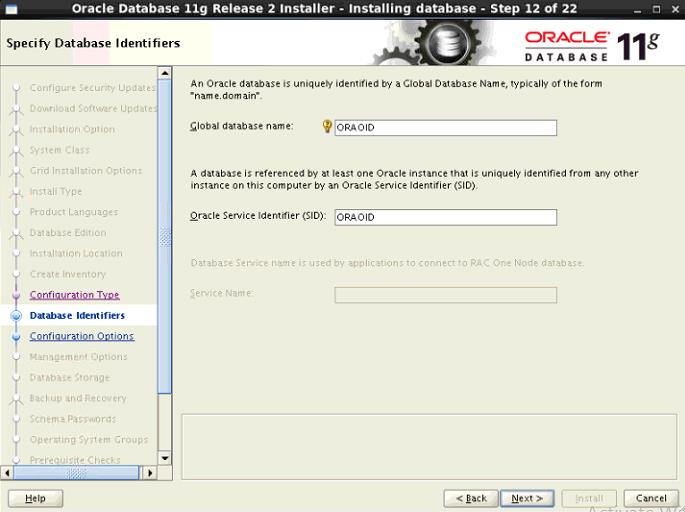
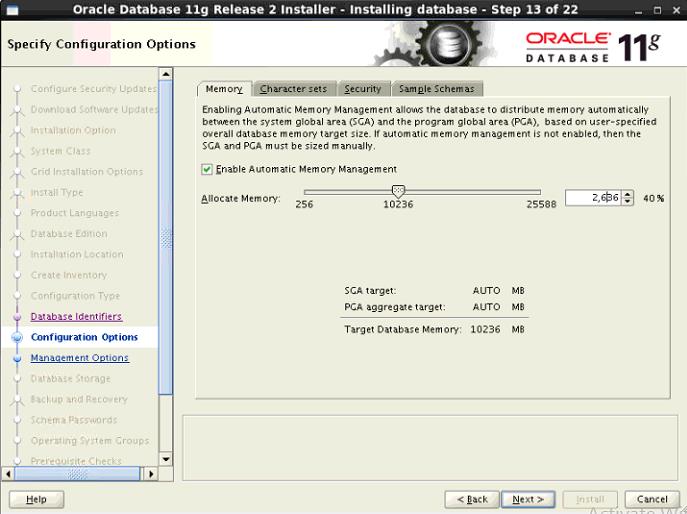
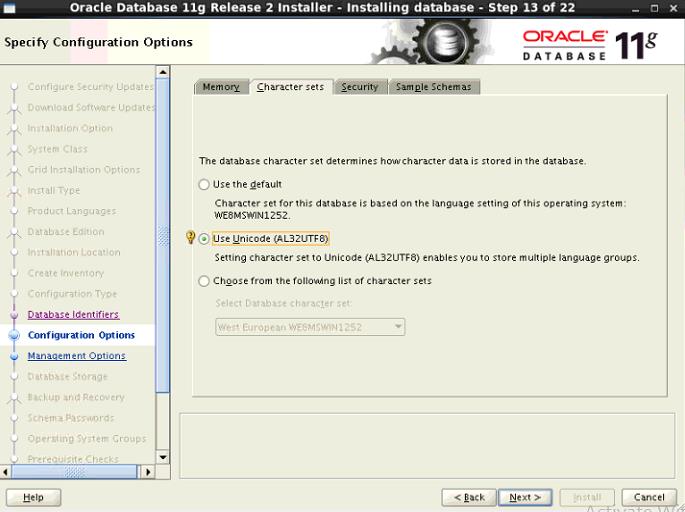
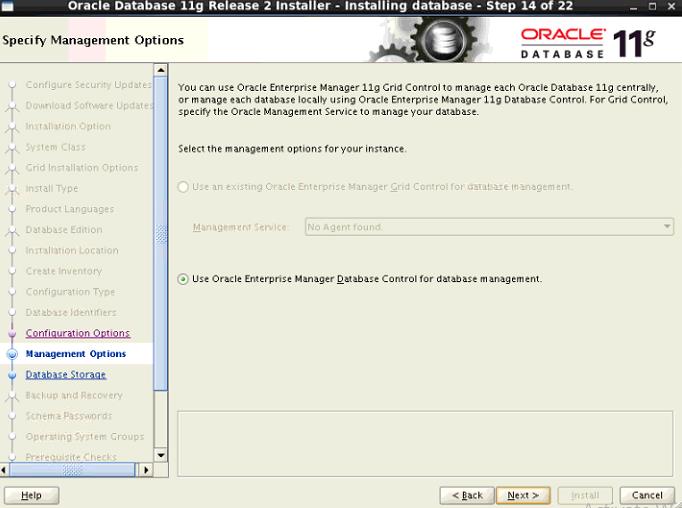
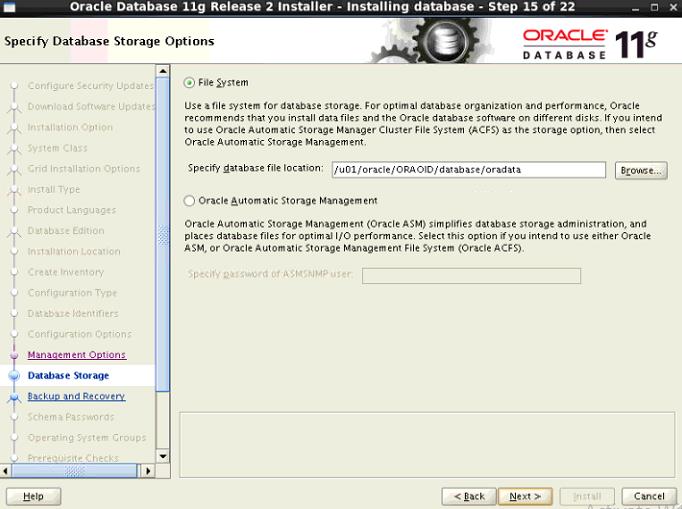
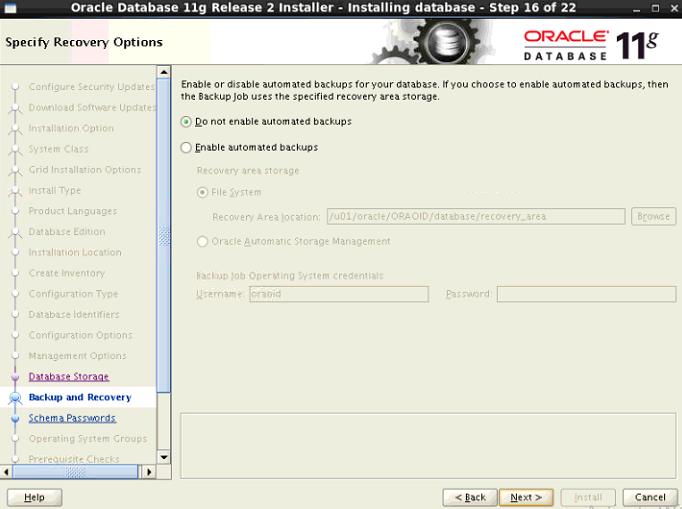
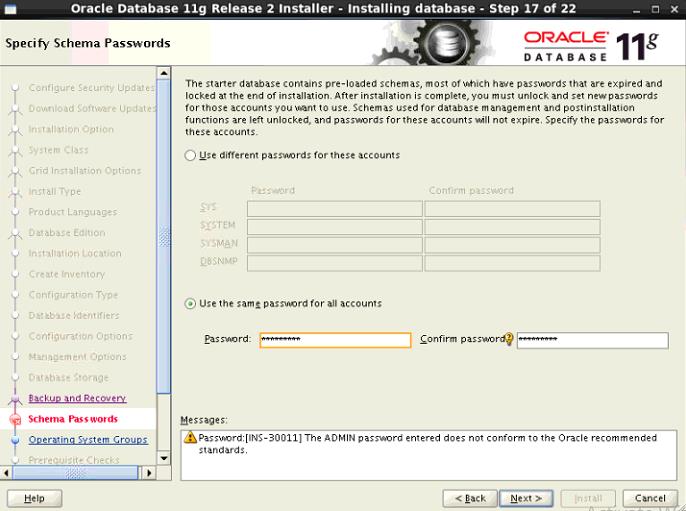
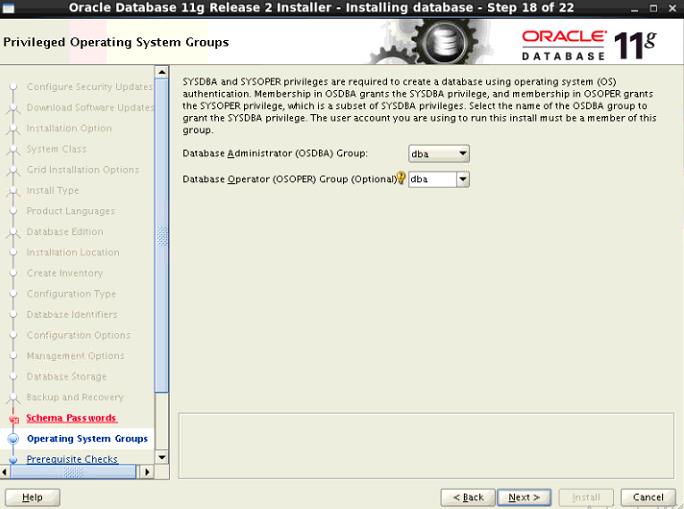
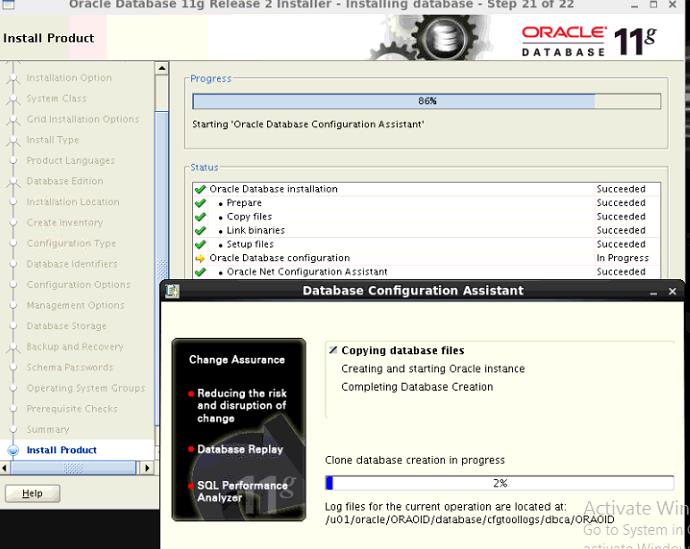
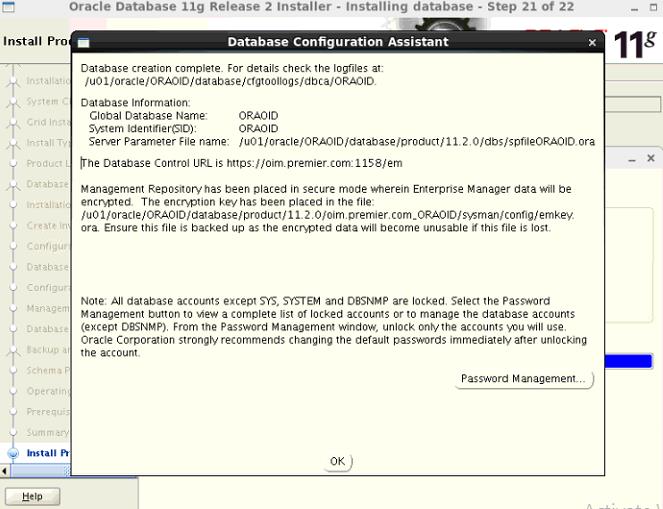
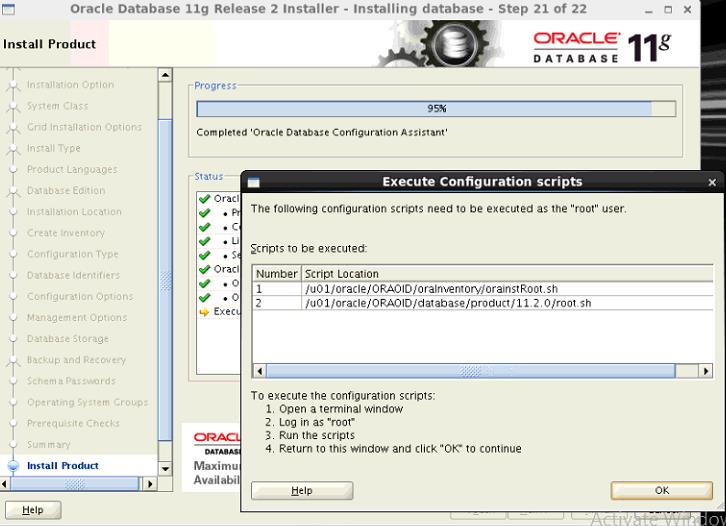
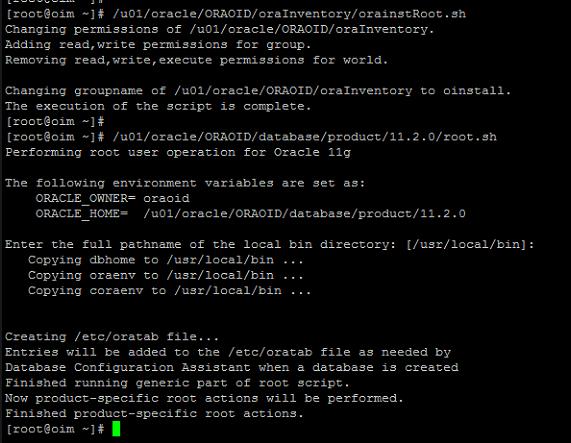
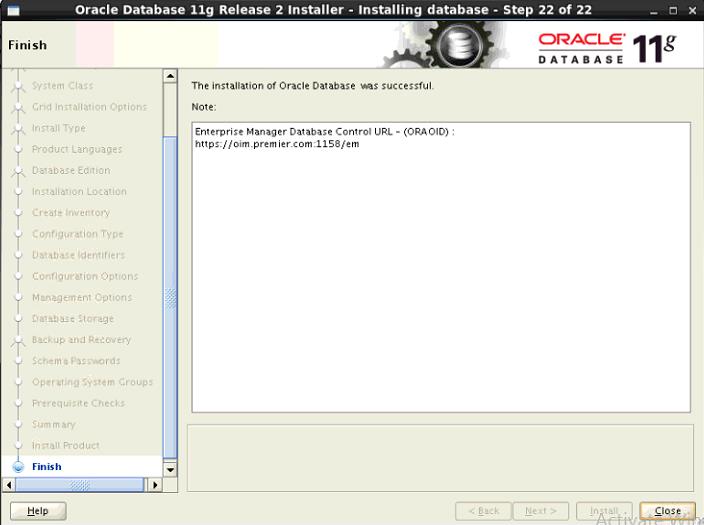
- Install the Database binaries and create database.
- Make changes the database for OAM/OID
Edit the “hosts” file of oim.premier.com
[root@oim ~]# hostname
oim.premier.com
[root@oim ~]# ifconfig
eth0 Link encap:Ethernet HWaddr 08:00:27:1F:79:C3
inet addr:192.168.0.50 Bcast:192.168.0.255 Mask:255.255.255.0
inet6 addr: fe80::a00:27ff:fe1f:79c3/64 Scope:Link
UP BROADCAST RUNNING MULTICAST MTU:1500 Metric:1
RX packets:8 errors:0 dropped:0 overruns:0 frame:0
TX packets:10 errors:0 dropped:0 overruns:0 carrier:0
collisions:0 txqueuelen:1000
RX bytes:1090 (1.0 KiB) TX bytes:676 (676.0 b)
[root@oim ~]# cat /etc/hosts
127.0.0.1 localhost localhost.localdomain localhost4 localhost4.localdomain4
::1 localhost localhost.localdomain localhost6 localhost6.localdomain6
192.168.0.50 oim.premier.com oim
[root@oim ~]#
- Edit the “sysctl.conf” of oim.premier.com with the following values
kernel.core_uses_pid = 1
kernel.shmmax=4294967295
kernel.shmmni=4096
kernel.sem=256 32000 100 142
fs.file-max = 6815744
kernel.msgmnb = 65535
kernel.msgmni = 2878
net.core.rmem_default = 262144
net.core.rmem_max = 4194304
net.core.wmem_default = 262144
net.core.wmem_max = 1048576
net.ipv4.tcp_wmem = 262144 262144 262144
net.ipv4.tcp_rmem = 262144 262144 262144
fs.aio-max-nr = 1048576
net.ipv4.ip_local_port_range = 9000 65500
- Edit the “limits.conf” file of oim.premier.com with the following values
* hard nofile 327680
* soft nofile 262144
* hard nproc 327680
* soft nproc 262144
* hard memlock 3145728
* soft memlock 3145728
* hard stack 16384
* soft stack 10240
Create "oraoid" User and Directories linux
groupadd -g 1000 oinstall
groupadd -g 1031 dba
useradd -u 1101 -g oinstall -G dba oraoid
CREATE DIRECTORIES AND GRANT PERMISSIONS
mkdir -p /u01/oracle/ORAOID
chown -R oraoid:oinstall /u01/oracle/ORAOID
chmod -R 775 /u01/oracle/ORAOID
chown oraoid:oinstall /u01/oracle/ORAOID
mkdir –p /u01/oracle/ORAOID/oraInventory
chmod -R 775 /u01/oracle/ORAOID/oraInventory
cd /u01/oracle/ORAOID
chown -R oraoid:dba oraInventory
- copy the software from shared location to /soft mountpoint and unzip files
[root@oim sf_Soft]# cp -r Oracle11204-64bit/ /soft/
[root@oim sf_Soft]#
[root@oim sf_Soft]#
[root@oim sf_Soft]# pwd
/media/sf_Soft
[root@oim sf_Soft]#
[oraoid@oim Oracle11204-64bit]$ pwd
/soft/Oracle11204-64bit
[oraoid@oim Oracle11204-64bit]$
[oraoid@oim Oracle11204-64bit]$ ls -tlr
total 2487212
drwxr-xr-x. 7 oraoid dba 4096 Aug 27 2013 database
-rwxr-x---. 1 oraoid dba 1395582860 Jan 6 22:04 p13390677_112040_Linux-x86-64_1of7.zip
-rwxr-x---. 1 oraoid dba 1151304589 Jan 6 22:04 p13390677_112040_Linux-x86-64_2of7.zip
[oraoid@oim Oracle11204-64bit]$
- create environment file
[oraoid@oim ~]$ cat ORAOID.env
ORACLE_UNQNAME=ORAOID; export ORACLE_UNQNAME
ORACLE_BASE=/u01/oracle/ORAOID/database/; export ORACLE_BASE
ORACLE_HOME=$ORACLE_BASE/product/11.2.0/; export ORACLE_HOME
ORACLE_SID=ORAOID; export ORACLE_SID
PATH=/usr/sbin:$PATH; export PATH
PATH=$ORACLE_HOME/bin:$PATH; export PATH
LD_LIBRARY_PATH=$ORACLE_HOME/lib:/lib:/usr/lib; export LD_LIBRARY_PATH
CLASSPATH=$ORACLE_HOME/jlib:$ORACLE_HOME/rdbms/jlib; export CLASSPATH
[oraoid@oim ~]$
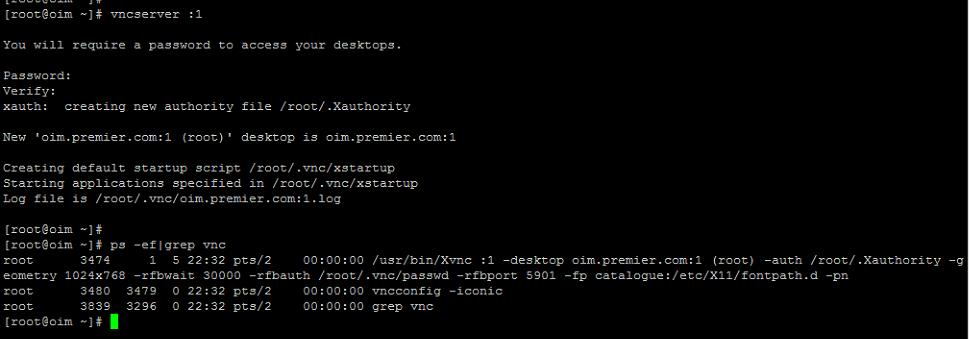
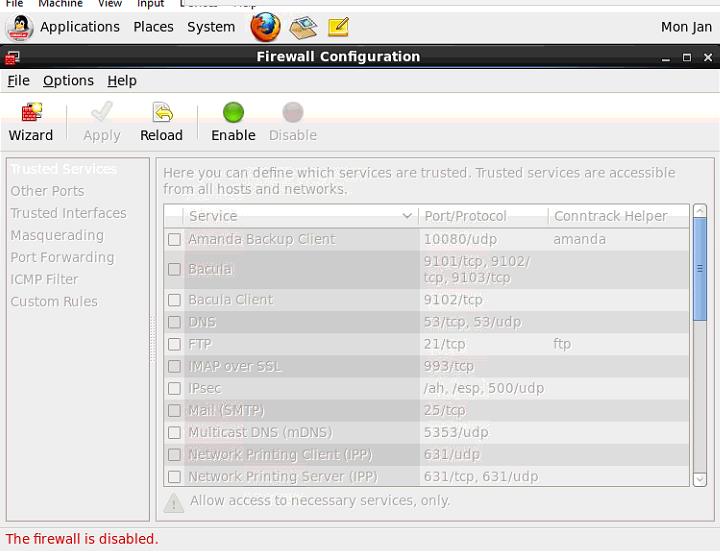
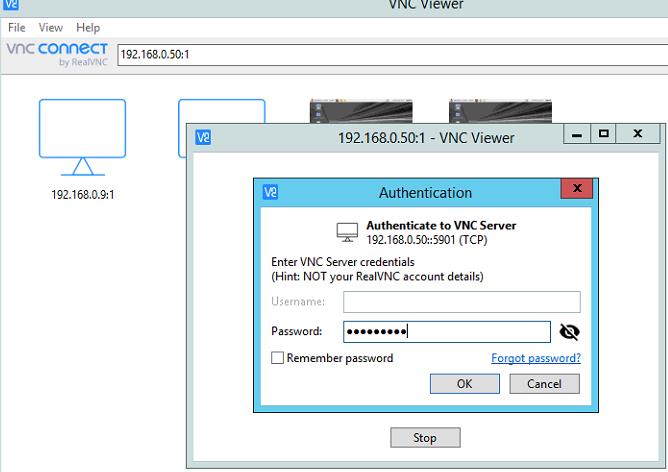
RUN VNCSERVER ON THE GUEST MACHINE